Short answer
Graveyard Keeper 2 has no official cheats or console commands, so Cheat Engine tables made by the community are the only way to change values like energy or insanity. They exist, but they are unofficial, tied to a specific game version and can break or corrupt a save after a patch — back up your save before trying one.
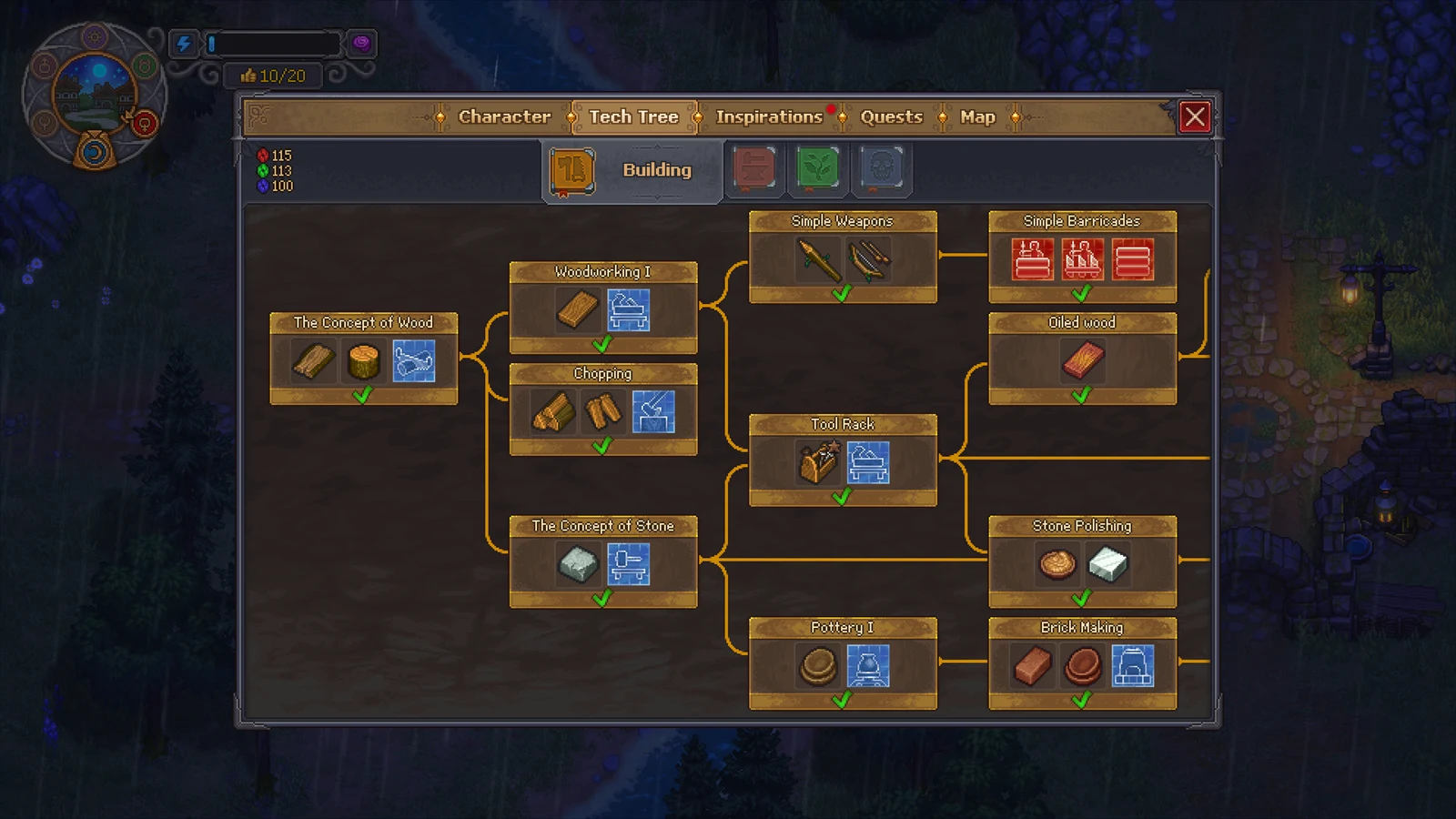
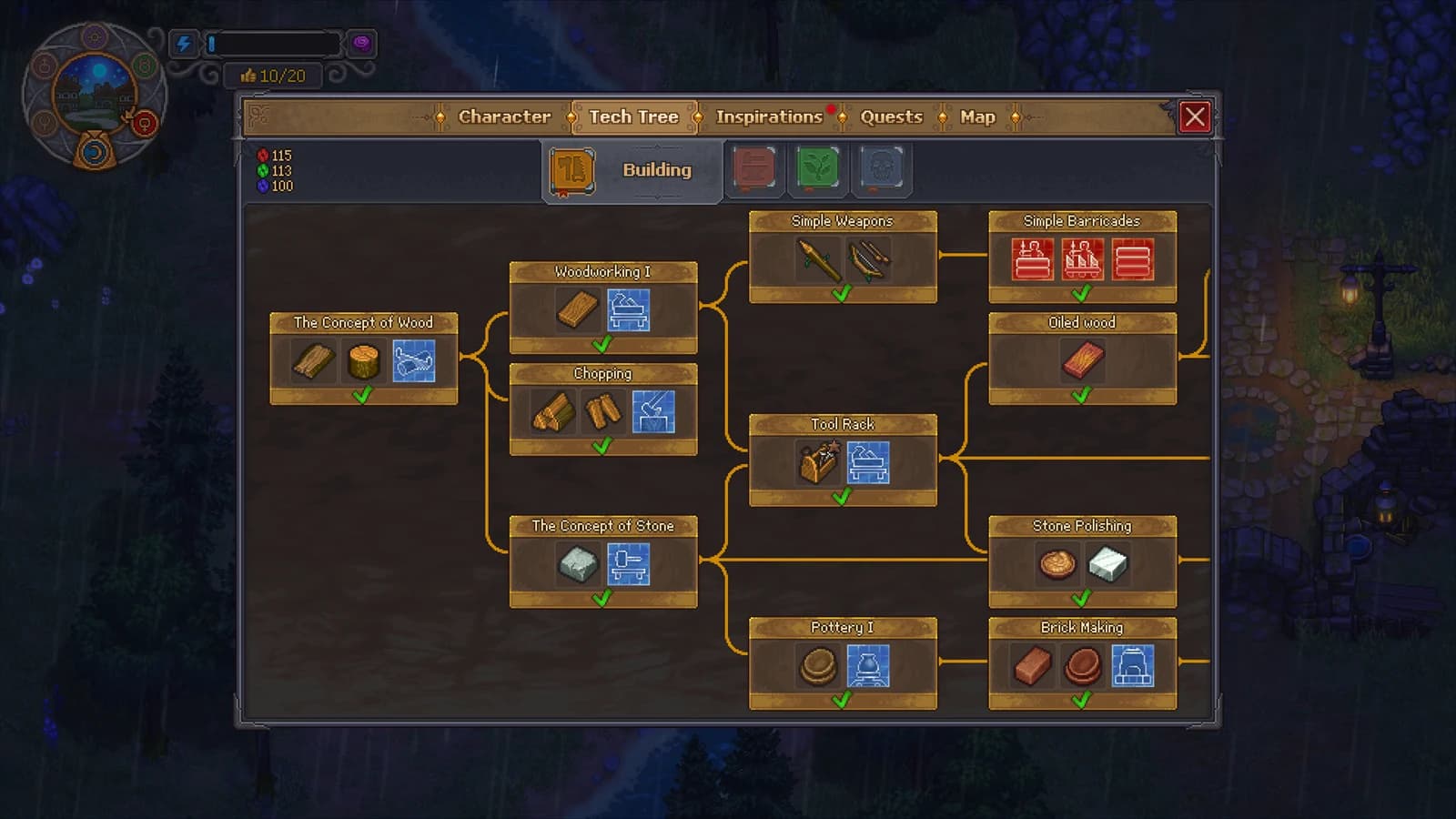
The Building tech tree
View full-size image ↗Official promotional screenshot · © Lazy Bear Games / tinyBuild · Official media kit · Material credits
No official cheats
Lazy Bear Games has not shipped console commands, a developer menu or cheat codes. The game is a single-player premium title with no code system.
That is why search interest has moved to Cheat Engine, a third-party memory editor that changes values while the game runs.
What community tables change
A community table for the demo, posted on the FearLess Cheat Engine forum, lists options such as disabling energy consumption, stopping insanity from rising, a movement speed multiplier, disabling zombie attacks and preventing item quantities from decreasing.
Tables for the full release are made by volunteers and appear after launch, and their feature lists vary by author.
None of these are reviewed or supported by the developers.
Why tables break
A Cheat Engine table targets the exact memory layout of one game build. A demo table will not match the full game, and a table for launch can stop working after any patch.
A mismatched table can write wrong values into your game, which is how saves get corrupted.
Check that the table states the same version number your game shows before attaching it.
Protect your save first
Copy your save folder somewhere safe before loading any table, and keep that backup until you are sure the save still loads cleanly.
Test one option at a time rather than switching everything on at once.
Only download tables from the forum thread itself. Sites repackaging "trainers" as installers are a common source of malware.
Legitimate ways to cut the grind
Most things people want from cheats — more energy, less busywork — are what the game's own systems are for.
Zombie workers automate crafting once you have a supplier station running, and spending tech points as you earn them unlocks faster production.
For energy, sleep when the Zz bubble appears and cook proper meals; the tired guide explains why that saves more time than pushing through.
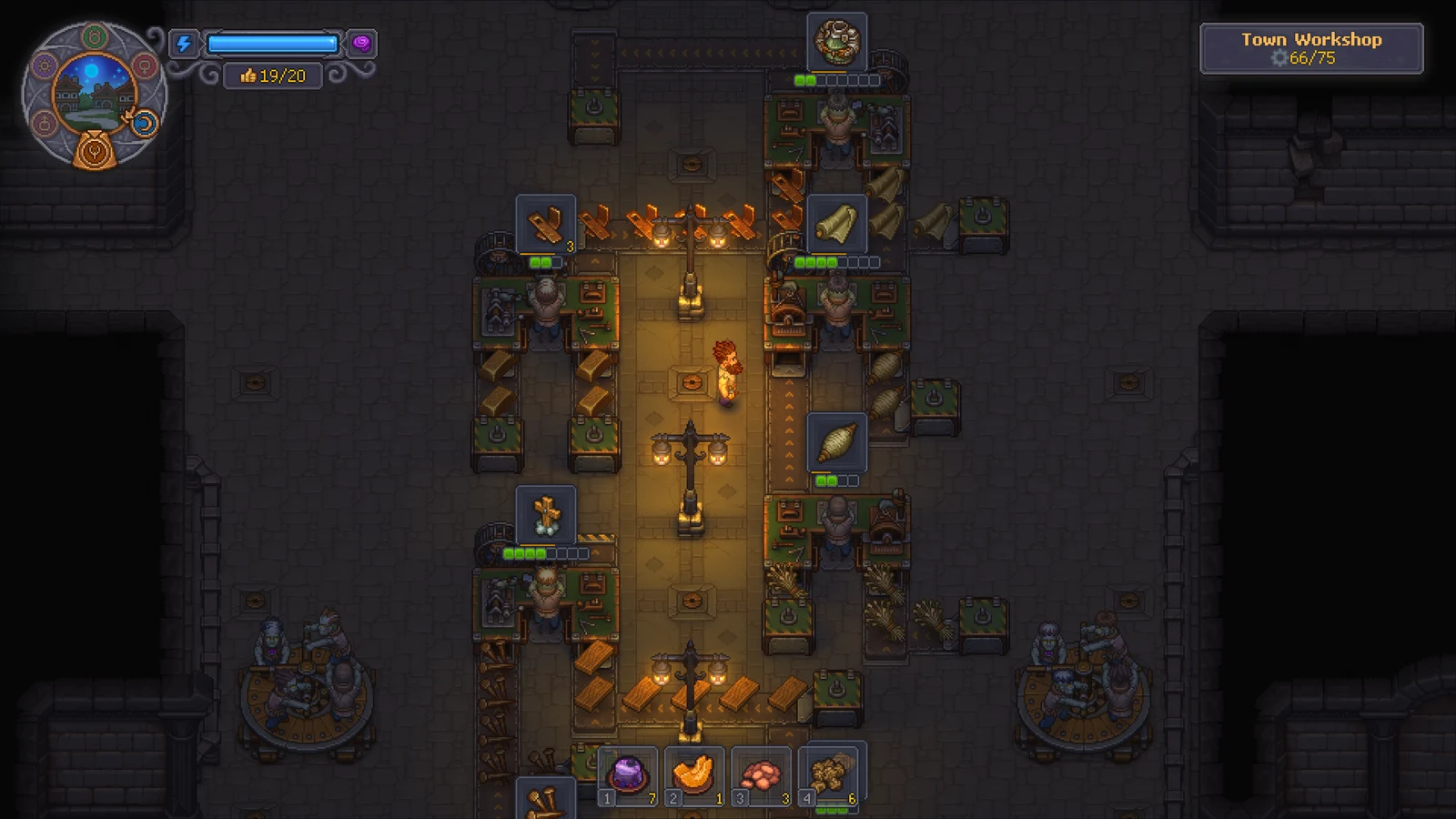
Zombie workers staffing machines in the official Town workshop screenshot — the game's own answer to grind.
View full-size image ↗Official promotional screenshot · © Lazy Bear Games / tinyBuild · Official media kit · Material credits