Short answer
Your demo save carries over to the full game automatically — the developers confirmed it in their own announcement. The one condition is that it works within the same platform: a Steam demo save continues in the Steam version, a PS5 demo save in the PS5 version, and so on. There is no manual export or import step.
Home and garden
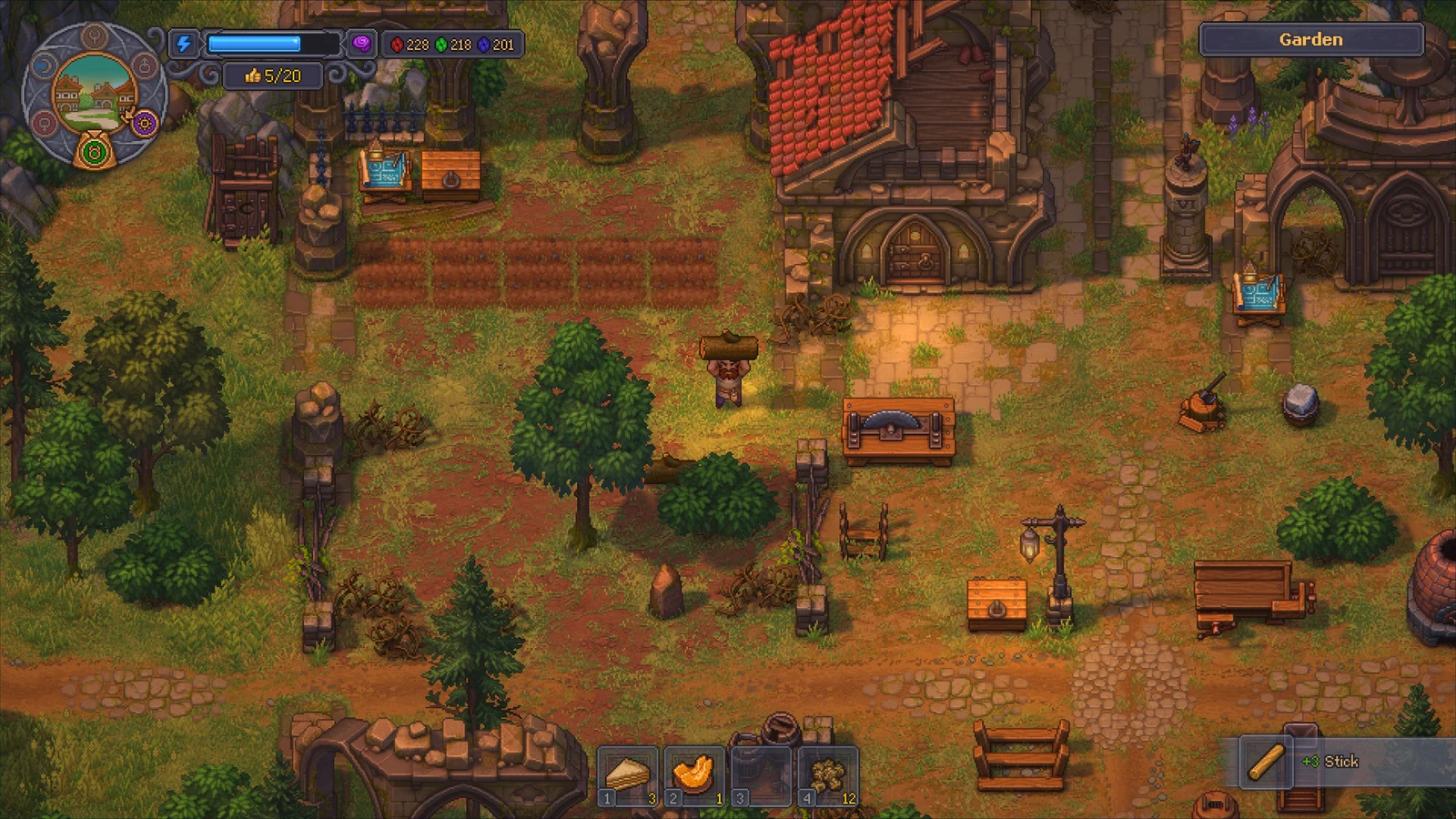
View full-size image ↗Official promotional screenshot · © Lazy Bear Games / tinyBuild · Official media kit · Material credits
The official confirmation
In the demo launch announcement the developers wrote, in plain terms, that your demo save file will carry over to the main game when it launches on September 22.
The demo's own Steam page repeats it: if you decide to purchase the full game, you will be able to continue your journey using your demo save file.
Two separate first-party sources saying the same thing is about as solid as pre-launch information gets.
Stay on one platform
The transfer happens inside a platform ecosystem. Play the demo where you intend to buy the game.
Nintendo-focused coverage of the demo confirms the same behaviour on Switch and Switch 2, and the developers listed PlayStation and Xbox alongside Steam in the same announcement.
Cross-platform save migration — for example Steam to PS5 — has not been announced, so do not plan around it.
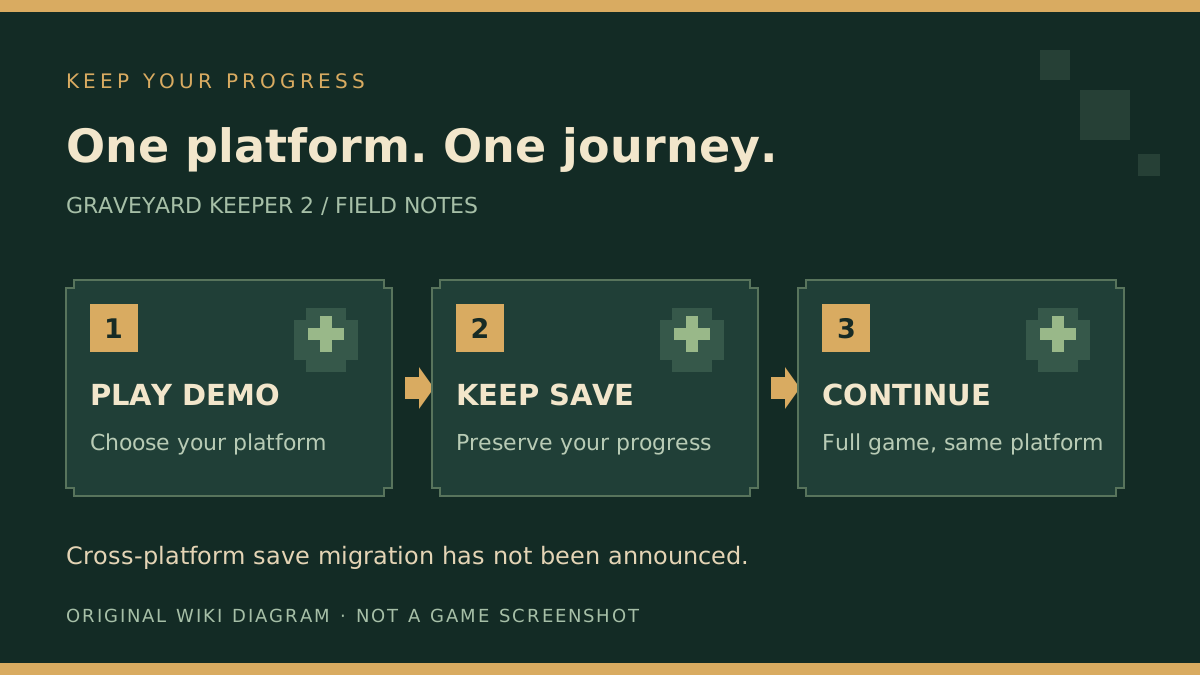
Original guide diagram summarising the same-platform continuation described above. It is not an import/export interface.
View full-size image ↗Original diagram · Graveyard Keeper 2 Wiki · editorial illustration · Original wiki diagram
You do not need to do anything special
There is no export button and no save file to copy by hand. Install the full game on the same platform and your existing progress is picked up.
On PC, the full game supports Steam Cloud, which is what keeps a save in sync across machines on the same account once you own it.
If you are cautious, the sensible precaution is simply not to uninstall the demo until the full game has loaded your save at least once.
What actually carries over
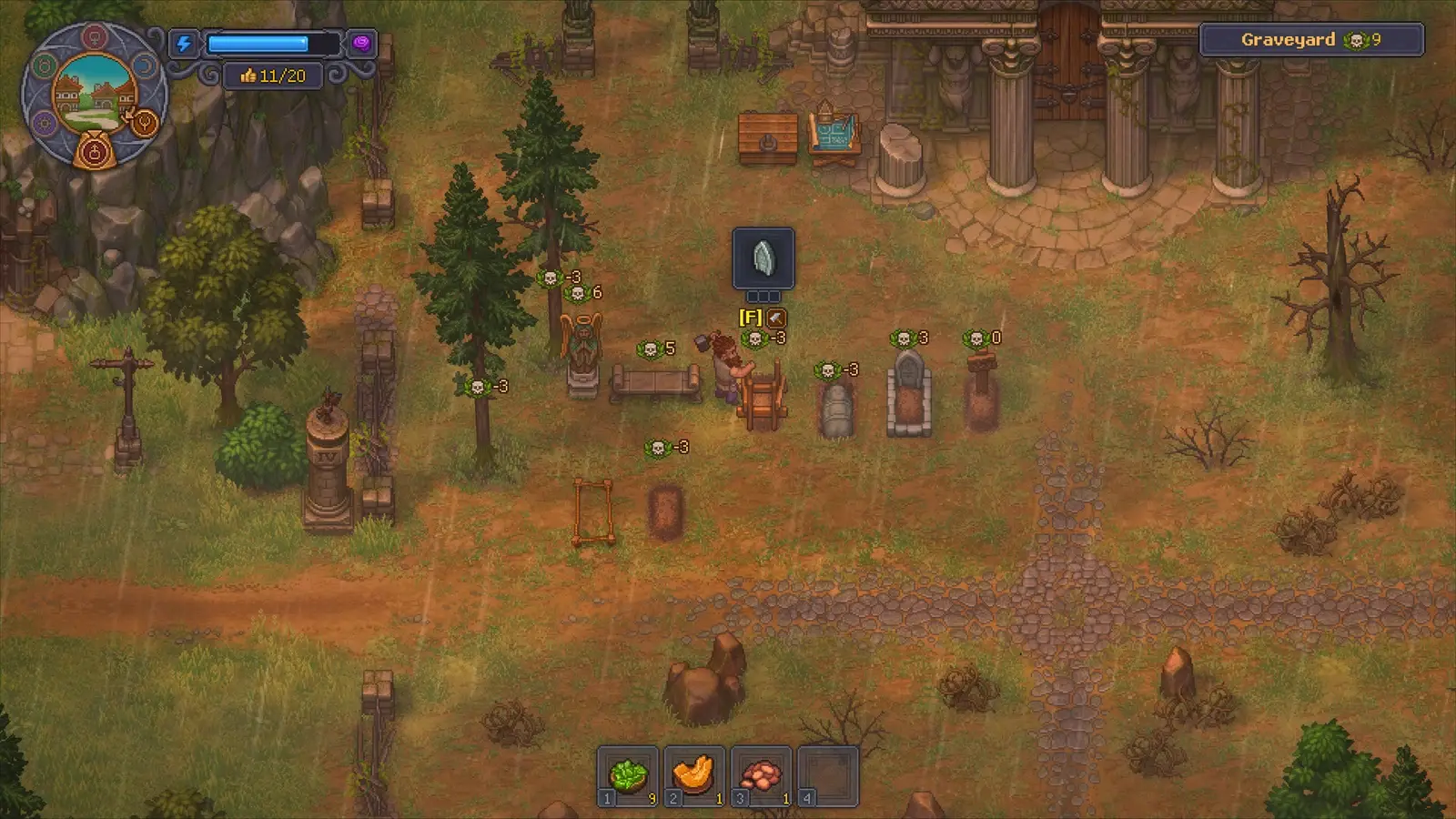
The demo covers the opening up to the introduction of The Town, so everything you accomplish in that window is part of your save: buildings, materials, tech unlocks and story progress.
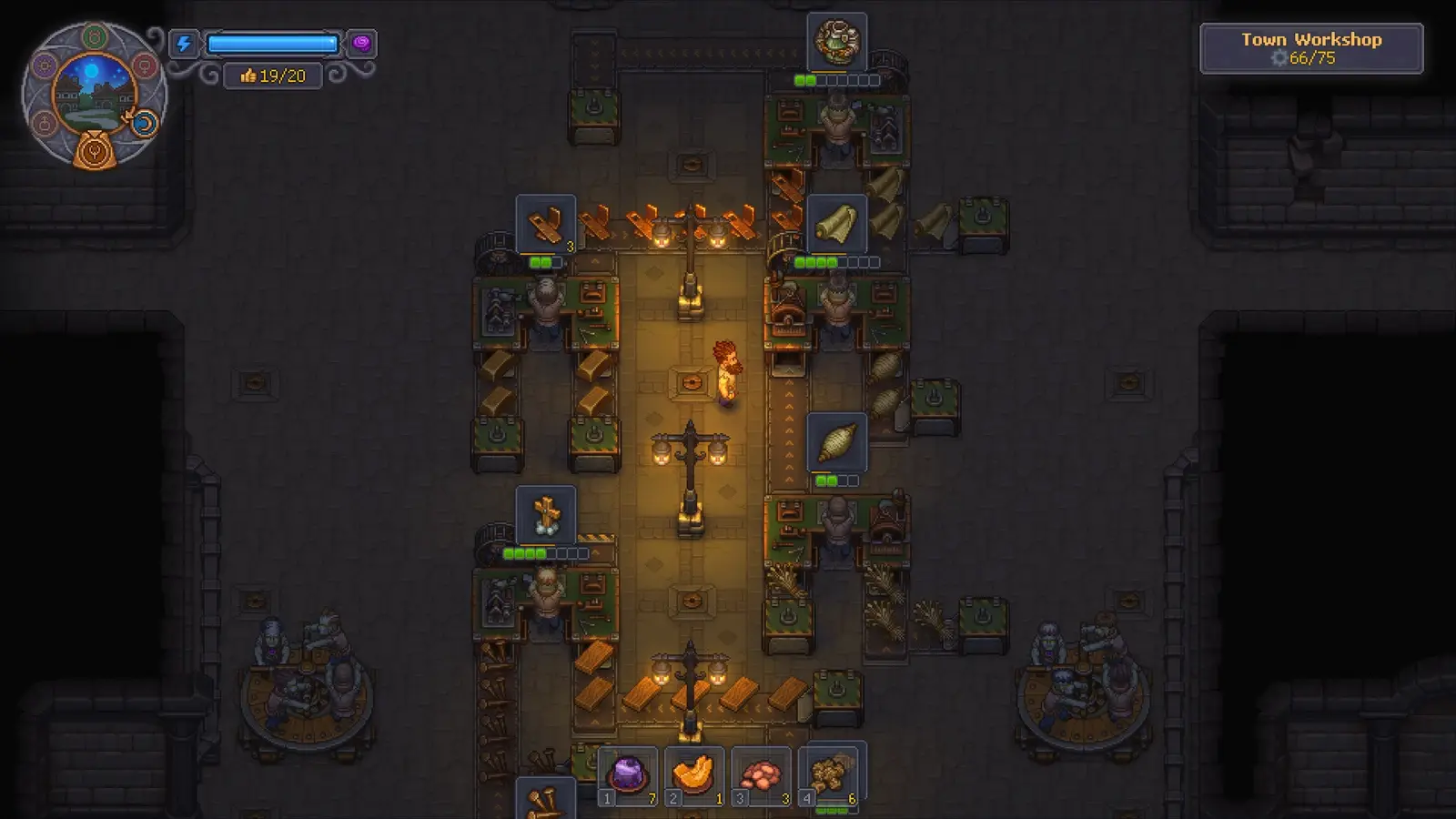
That includes the first zombie workers you obtain from the Plague Doctor under your house, which is why the basement questline is worth finishing during the demo.
It also includes the layout decisions you make, so treat your early base placement as permanent rather than a sandbox.
How to use the demo as a head start
Because progress persists, the highest-value demo activities are the ones that compound. Clear trash piles and broken barrels for Bronze Nails, Bronze Scrap and Boards.
Get the Wooden Anvil up — it costs 1 Short Log and 1 Stone — so scrap becomes a renewable source of nails rather than a limited pickup.
Farm red tech points through chopping and mining, since the Building and Metallurgy branches will be hungry for them once the full tree opens.
Common misunderstandings
A carried-over save does not make this an early access release. The demo is a separate free download and the full game launches complete on September 22.
The pre-order bonuses — a Sauna building and a platform-specific outfit — are tied to your purchase, not to your demo save.
If a recipe you saw in a guide is missing, that is usually because it sits behind tech the demo does not reach, not because your save failed to transfer.
Why it is unusual
Most demos are sealed experiences, so a carry-over save is the kind of feature usually reserved for early access.
That is part of why the game gets mistaken for an early access release, when it is a finished title with a free demo.
For players, the practical effect is that the demo is your opening chapter rather than a trial.
It also means demo decisions — base layout, build order, which corpses you process — are permanent.
A short pre-launch routine
Sweep the yard with an axe for Bronze Nails, Bronze Scrap and Boards before doing anything else.
Put up the Wooden Anvil — one Short Log plus one Stone — so scrap becomes a renewable nail source.
Spend tech points as they arrive, aiming at wood processing, then pottery, then Metallurgy for the Firewood Shed.
Then finish the basement questline so the Plague Doctor's two zombie workers are already in your save on launch day.
Where the demo stops
The transfer covers everything up to the demo's end point, which is the introduction of The Town.
Past that lies the content only the full game has: reclaiming districts, rebuilding them, and the weekly battle loop.
Some crafting recipes also sit behind tech tree unlocks the demo never reaches.
So a save that arrives with locked recipes has transferred correctly — those unlocks simply were not available yet.
Platform-by-platform summary
Steam demo saves continue in the Steam version, with Steam Cloud syncing across your own machines afterwards.
PlayStation demo saves continue on PS5, where the store lists the game as 1 player with offline play.
Nintendo coverage confirms the same behaviour for Switch and Switch 2 demo progress at launch.
Xbox was included in the same demo rollout by the developers' announcement.
If something does look wrong
First check that you installed the full game on the same platform account you played the demo on.
Then check whether the thing you are missing is actually a full-game unlock rather than a lost item.
Keep the demo installed until you have loaded the full game once and confirmed your save is there.
If a genuine problem persists, the developers' Steam announcements and community discussions are where transfer issues get reported.
How this compares to a normal demo
A typical demo is a sealed slice you replay from scratch once you buy the game.
Here the demo is literally the opening of the retail game, which is why the developers could promise the save continues.
Practically, that turns pre-launch play into a head start rather than a preview.
It also means reviews of the demo are describing the same build you will own.