
Short answer
On Windows, Graveyard Keeper 2 saves live in %USERPROFILE%\AppData\LocalLow\Lazy Bear Games\Graveyard Keeper 2. Paste that path into the File Explorer address bar to open it directly. Each save is a pair of .dat and .info files with the same name, so always copy both together.
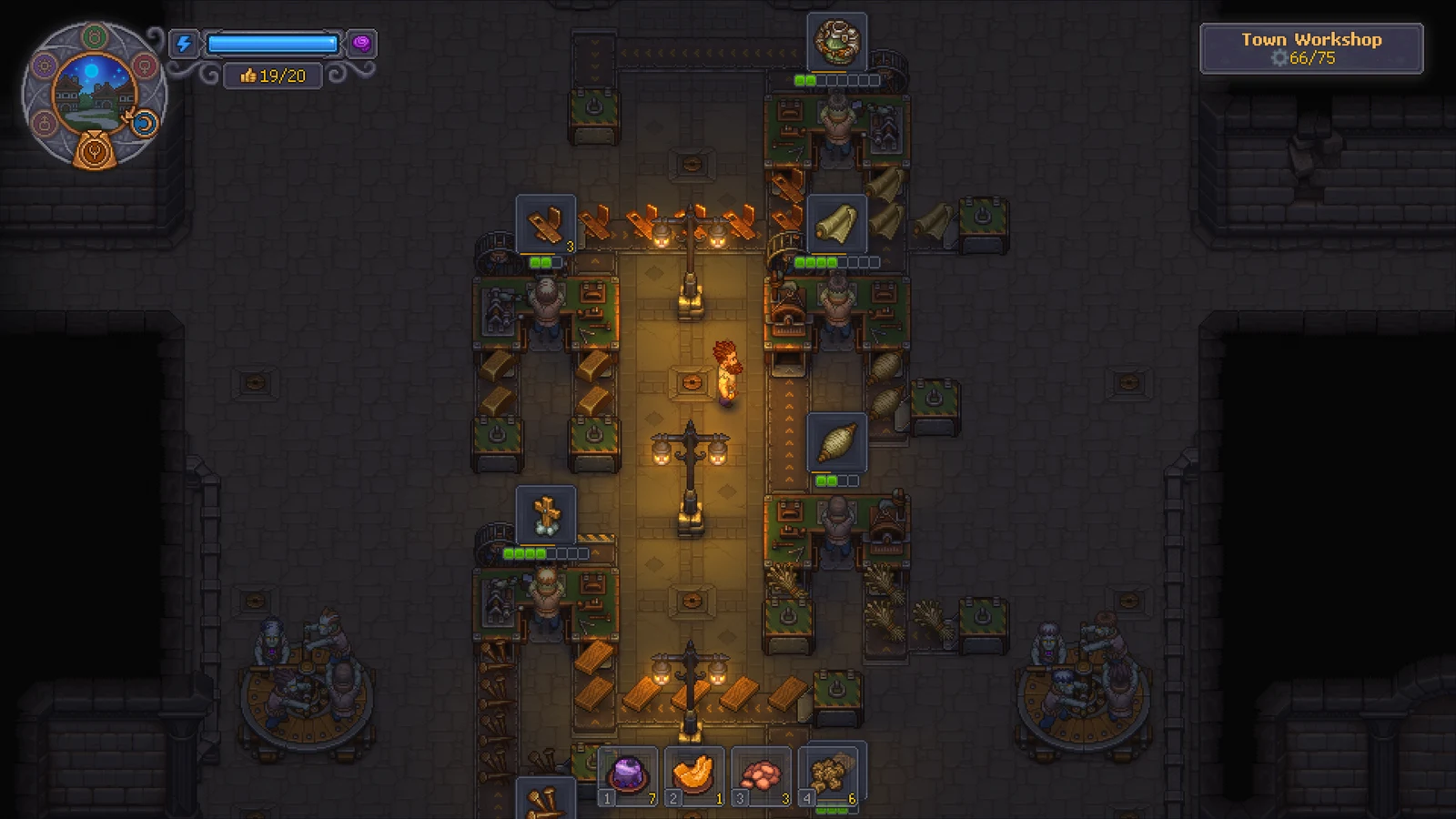
The Town workshop
View full-size image ↗Official promotional screenshot · © Lazy Bear Games / tinyBuild · Official media kit · Material credits
Opening the folder on Windows
AppData is hidden by default. Either paste the full path into the address bar, or turn on View → Show → Hidden items in File Explorer and browse to C:\Users\<your name>\AppData\LocalLow\Lazy Bear Games\Graveyard Keeper 2.
The first Graveyard Keeper uses the same path without the “2”, so don't mix up the two folders when restoring a backup.
Steam Deck and Linux
Under Proton the Windows folder sits inside the game's compatibility prefix: steamapps/compatdata/<app id>/pfx/drive_c/users/steamuser/AppData/LocalLow/Lazy Bear Games/Graveyard Keeper 2. Confirm the app ID folder on your own device before copying files.
Backing up a save
Quit to the main menu or close the game first, then copy each .dat file together with its matching .info file to another folder. Restoring only one half of the pair can leave the slot unreadable.
If you use Steam Cloud, a newer cloud copy can overwrite a restored local file. Check the cloud prompt carefully when you relaunch.
Do this before installing mods, testing a patch or trying the Cheat Engine tricks discussed elsewhere on the site.
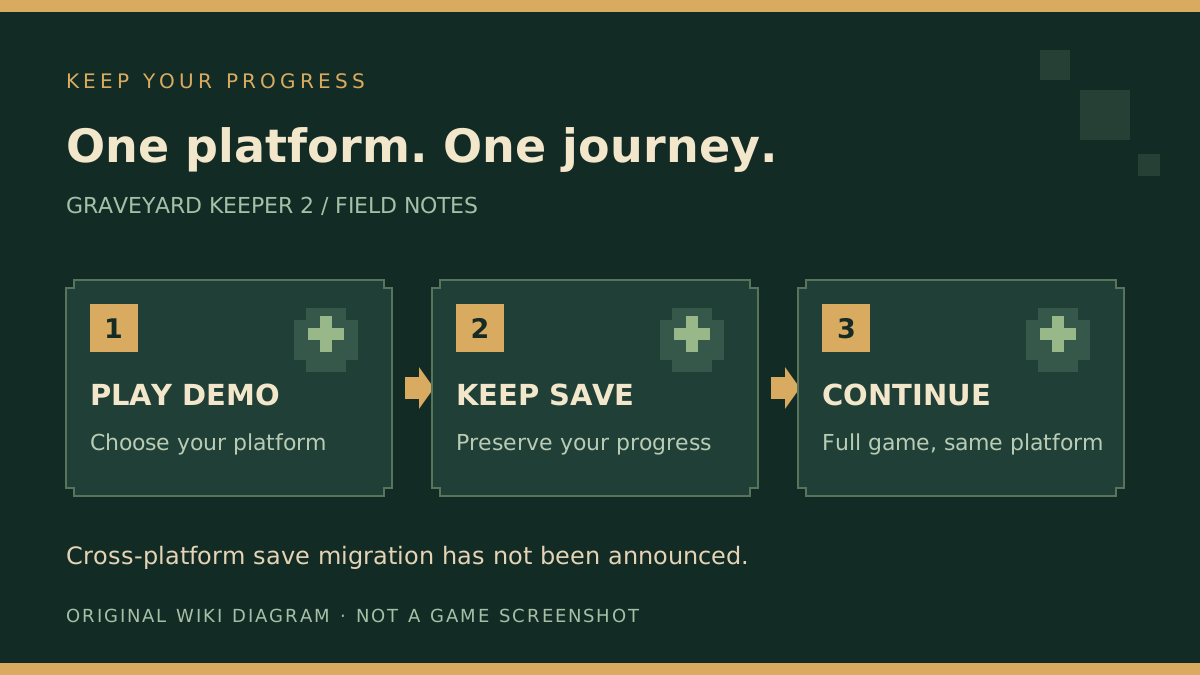
Original guide diagram about keeping saves on one platform. It is not a file browser screenshot.
View full-size image ↗Original diagram · Graveyard Keeper 2 Wiki · editorial illustration · Original wiki diagram
Sources
Related pages
 Official screenshot · © Lazy Bear Games / tinyBuildDemoGraveyard Keeper 2 Demo Save Transfer
 Official screenshot · © Lazy Bear Games / tinyBuildCommunityGraveyard Keeper 2 ModsOfficial screenshot · © Lazy Bear Games / tinyBuildCommunityGraveyard Keeper 2 Cheats & Cheat Engine
 Official artwork · © Lazy Bear Games / tinyBuildReleaseGraveyard Keeper 2 Patch NotesOfficial artwork · © Lazy Bear Games / tinyBuildReleaseGraveyard Keeper 2 Download